
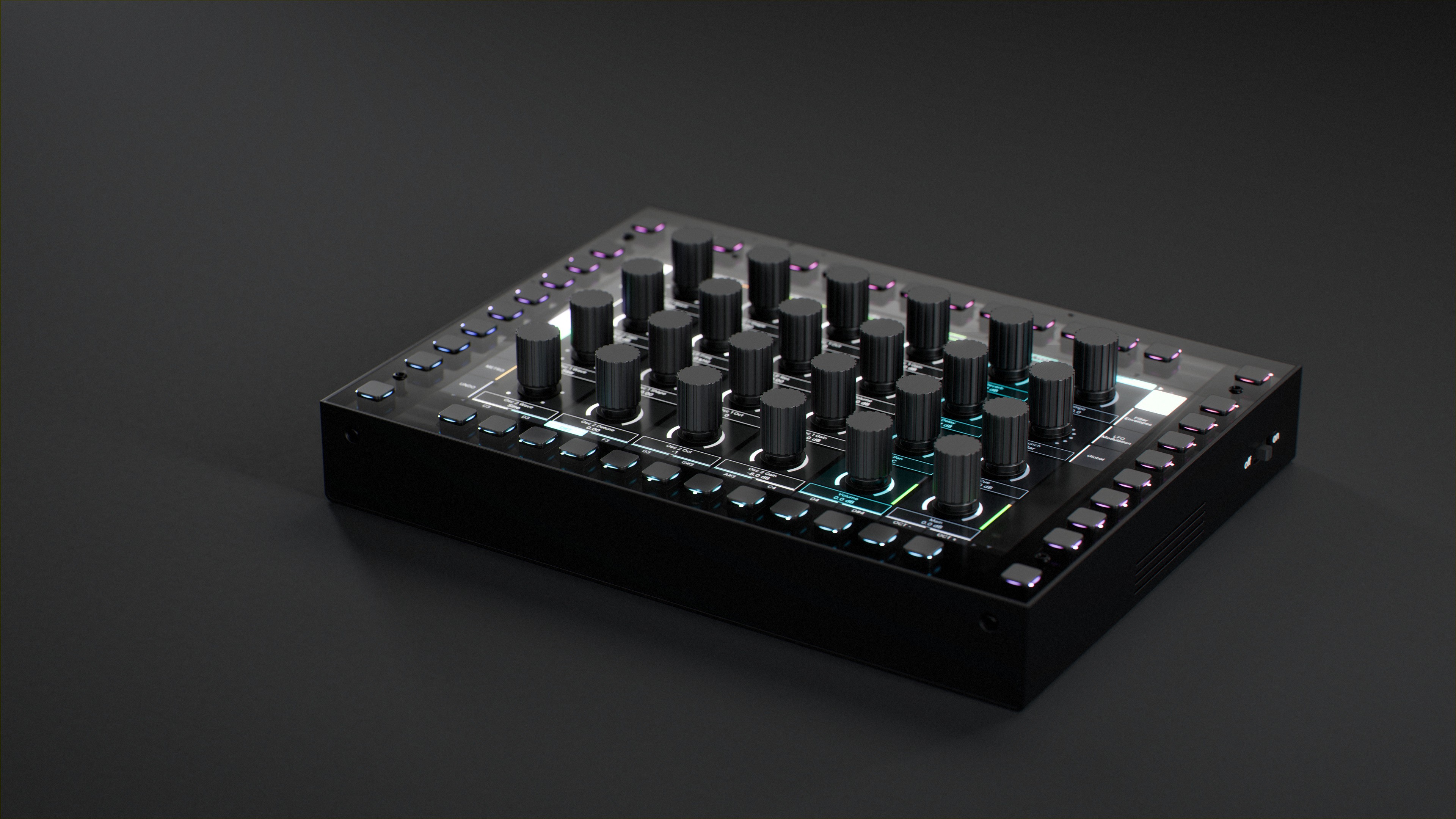
KARL, a hackable, universal controller for MIDI, Ableton Live, OSC, DMX and Max for Live
Knobs that change what they say. KARL puts 24 knobs and 44 lit keys on a screen that writes their labels. Change page and every one of them takes a new job. Made for Ableton Live, and for anything that speaks MIDI, OSC, DMX and many more protocols.
€990 excl. VAT · Ships in January 2027
Precision
The value follows your hand
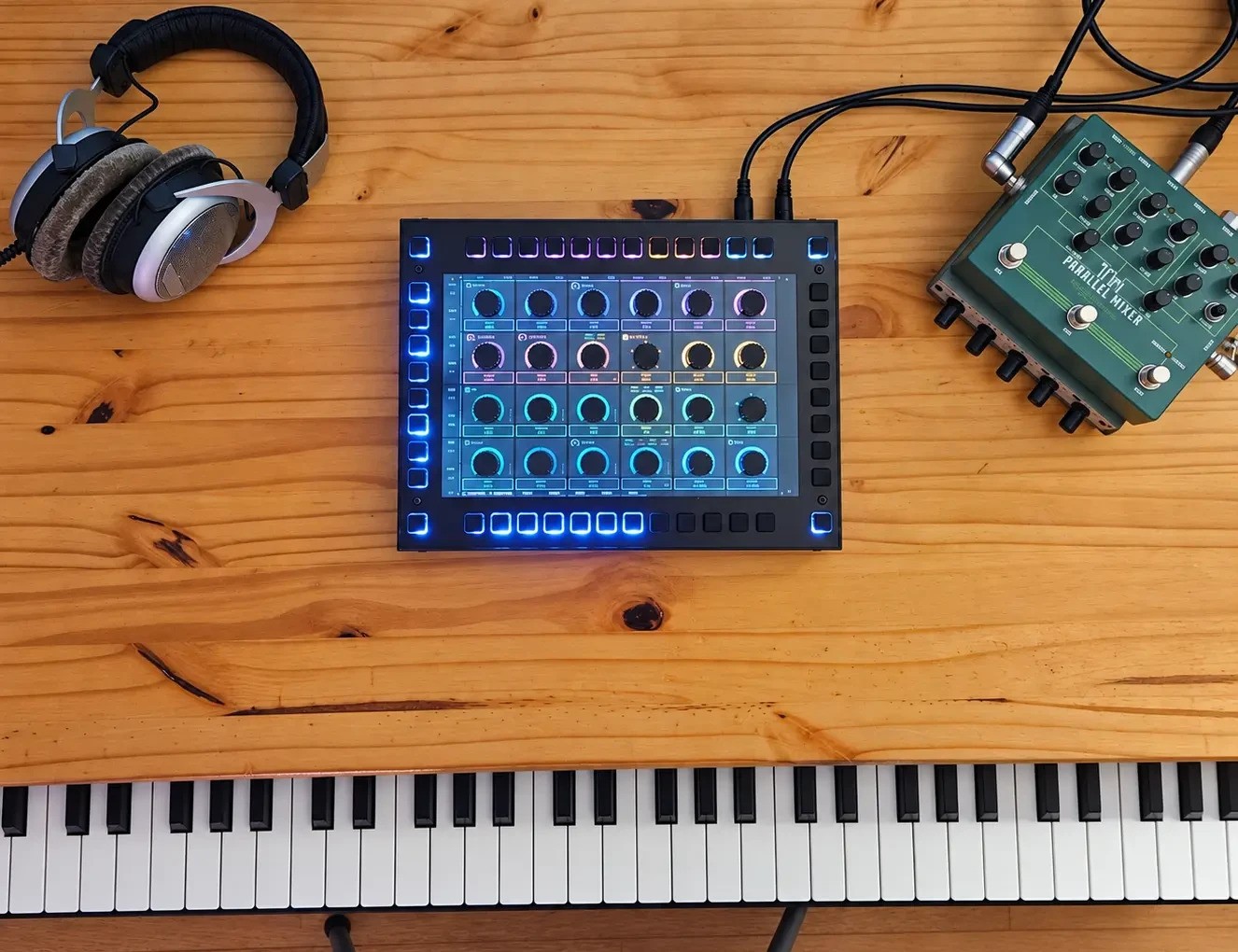
Unlike regular endless encoders, each knob reads its exact angle with a magnetic sensor. The value on the screen tracks the position of the knob as you turn it, fast or slow, and it is very precise.
In use
One minute of synths
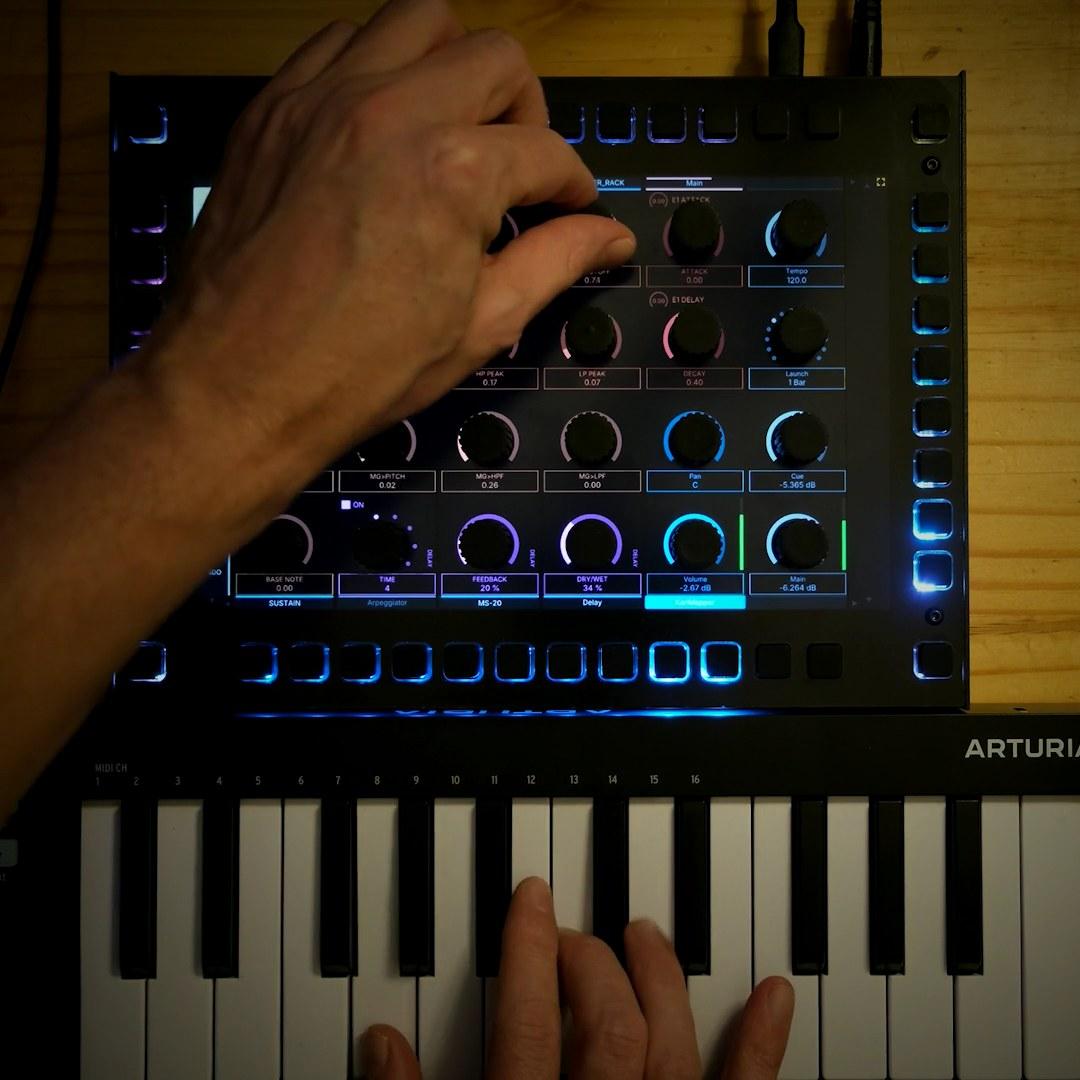
Software synths in Live, each with its own KarlMapper page. Switch instrument and the same 24 knobs take on its controls, with their names on the screen.
Ableton Live
Ableton Live, on the knobs
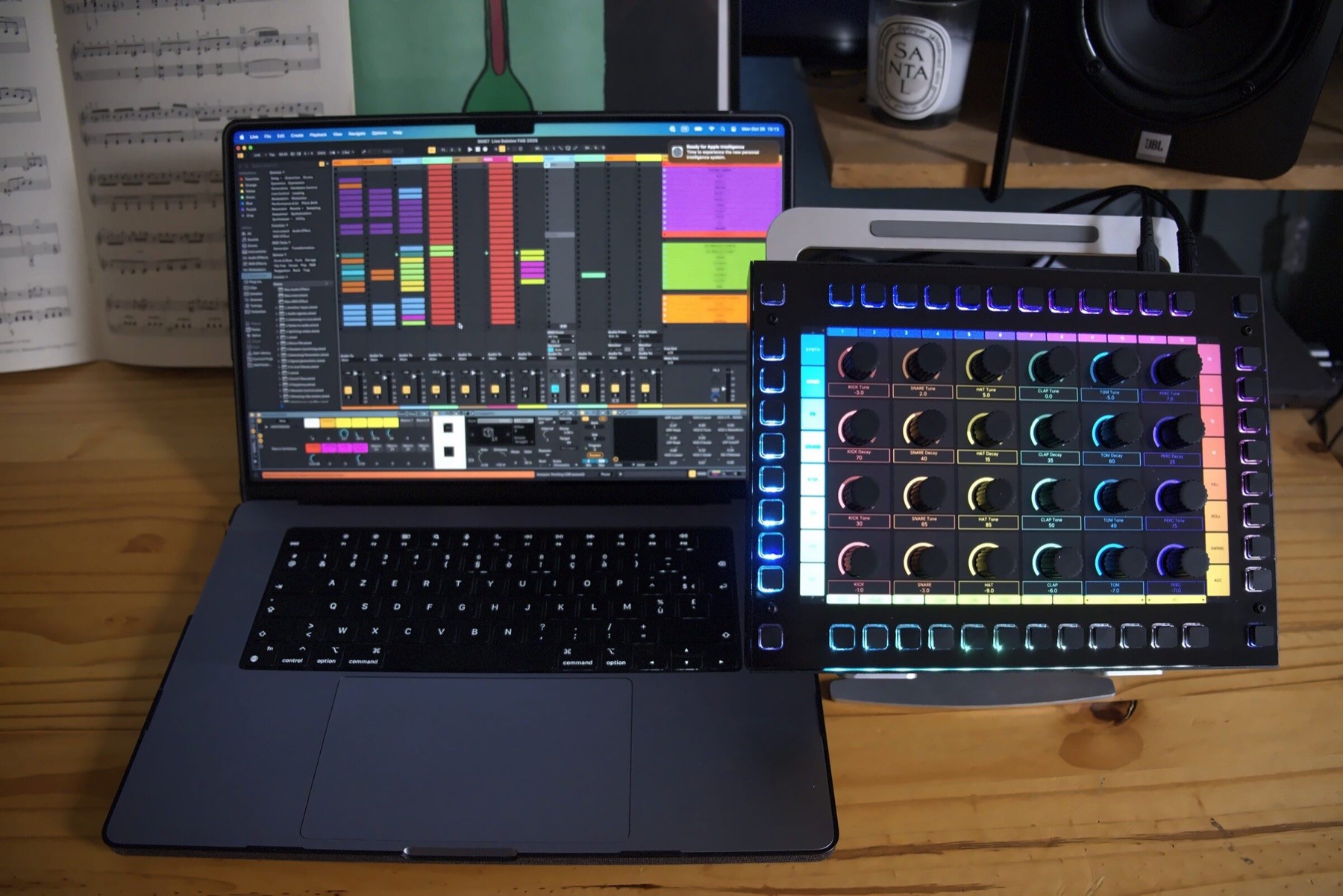
KARL follows what you select in Live. Tracks keep their names and colours, devices their parameter names, and clips their state. Pick another track or device in Live and the knobs follow.
It needs Live 12 or 13, with the KARL Configurator running on the same computer. Set up Live
01
Device
The selected device's parameters, two banks at a time, with sends, pan and volume for its track. The device chain sits on the bottom keys.
02
Mix
Six tracks side by side: two sends, pan, and volume with a level meter. Mute and solo on the keys, arm and stop with ALT.
03
Clips
Six tracks by four scenes. Turn a knob right to launch its clip, left to stop it. The ring shows how far the loop has played.
04
Browse
Live's browser, 24 entries a page. Turn right to load a sound, left to hear a preview.
05
Keys
Play a scale on the keys, with two keys for the octave. KARL arms the selected track for you.
06
KarlMapper
A Max for Live device that puts any 24 parameters you choose on the knobs, in the same places on the screen.
Beyond Live
MIDI, OSC and the gear you already have
Live is one integration among others. Underneath, KARL is a MIDI and OSC controller you lay out yourself. Read about MIDI, OSC and DMX
Any app that learns MIDI
Over USB, KARL shows up as a MIDI device with two ports each way. Your DAW, a plugin or a lighting desk can learn its knobs and keys like any controller.
Hardware synths, no computer
Two MIDI outputs and one input on 3.5 mm jacks. KARL runs your pages on its own, so a synth and the power supply are all it needs.
Every kind of message
CC, 14 bit CC, RPN and NRPN, notes and program changes. Incoming MIDI moves the knobs, so the screen always shows the real value.
Clock and sequencer
KARL can be the MIDI clock for your setup, with tempo, start and tap on its controls. A 16 step sequencer follows that clock or an external one.
OSC and DMX
Each control can send OSC, and lights over Art-Net or sACN, through the configurator on your computer. OSC apps can rename and recolour the controls.
Extensions
Extensions give some gear its own pages, laid out for it, such as an RME audio interface or a Korg microKORG XL. More are on the way.
Snapshots
Store every value on a page under one key and call it back later, at once or with a fade.
ALT on every control
The four corner keys are ALT. Hold one and knobs and keys can do a second job, shown on the screen while you hold it.
Extensions
Program KARL yourself
An extension is C++ code that KARL loads when it starts. It draws with OpenGL/OpenSceneGraph on all of the screen or part of it, takes any knob and key, sends MIDI and OSC, and can follow a MIDI clock or Live's transport.
The interface is one header file, with two example extensions to start from. It is short enough for an AI coding assistant to read in full. Write an extension
Fleet game
The whole page: a tower defence game where each knob aims a lighthouse at the ships passing by.
Pocket seq
Part of a page: a 16 step sequencer on four knobs and two keys, with the usual controls around it.
Euclid
Four Euclidean drum patterns on eight knobs: length, hits and rotation per track, sent as MIDI notes.
LFO Bank
Four LFOs that send MIDI CC: rate, shape, depth, center and phase, with a scope of each wave.
The hardware
Made to be played
01 / 03
Knobs
24 endless knobs. Each reads its angle with a magnetic sensor, and the ring on the screen shows its value.
At the back
A synth and a power supply are all it needs
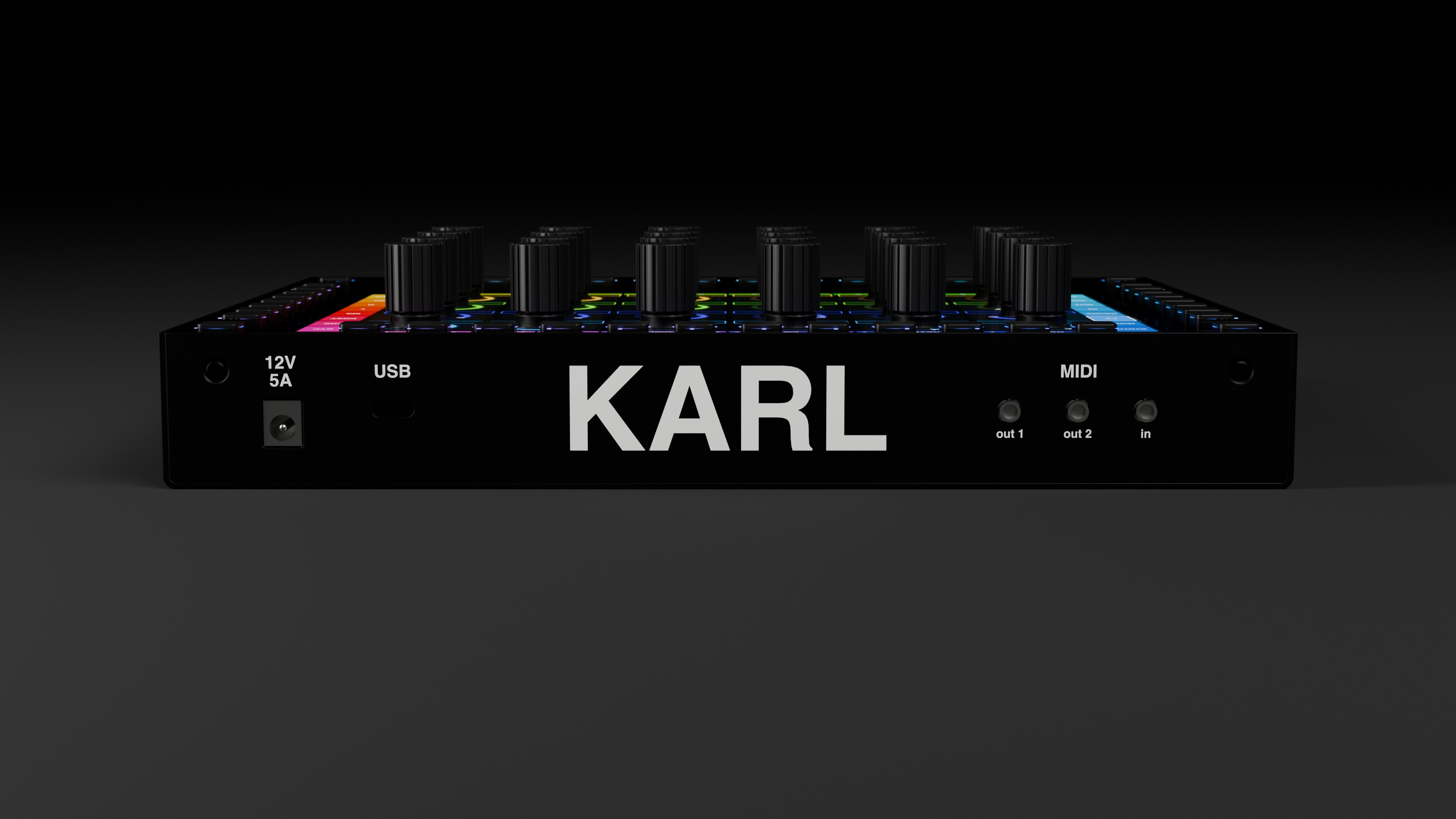
12 V power
The supply comes in the box.
USB C
To your computer, as a MIDI device with two ports each way.
MIDI out 1
3.5 mm TRS. Drives a synth on its own.
MIDI out 2
3.5 mm TRS.
MIDI in
3.5 mm TRS. Incoming MIDI moves the knobs.
Two minutes with KARL
Filmed from above. Watch the labels, the rings and the colour of the keys follow each page as it comes up under the same knobs.
Out of the studio
On the desk and on stage
Specifications
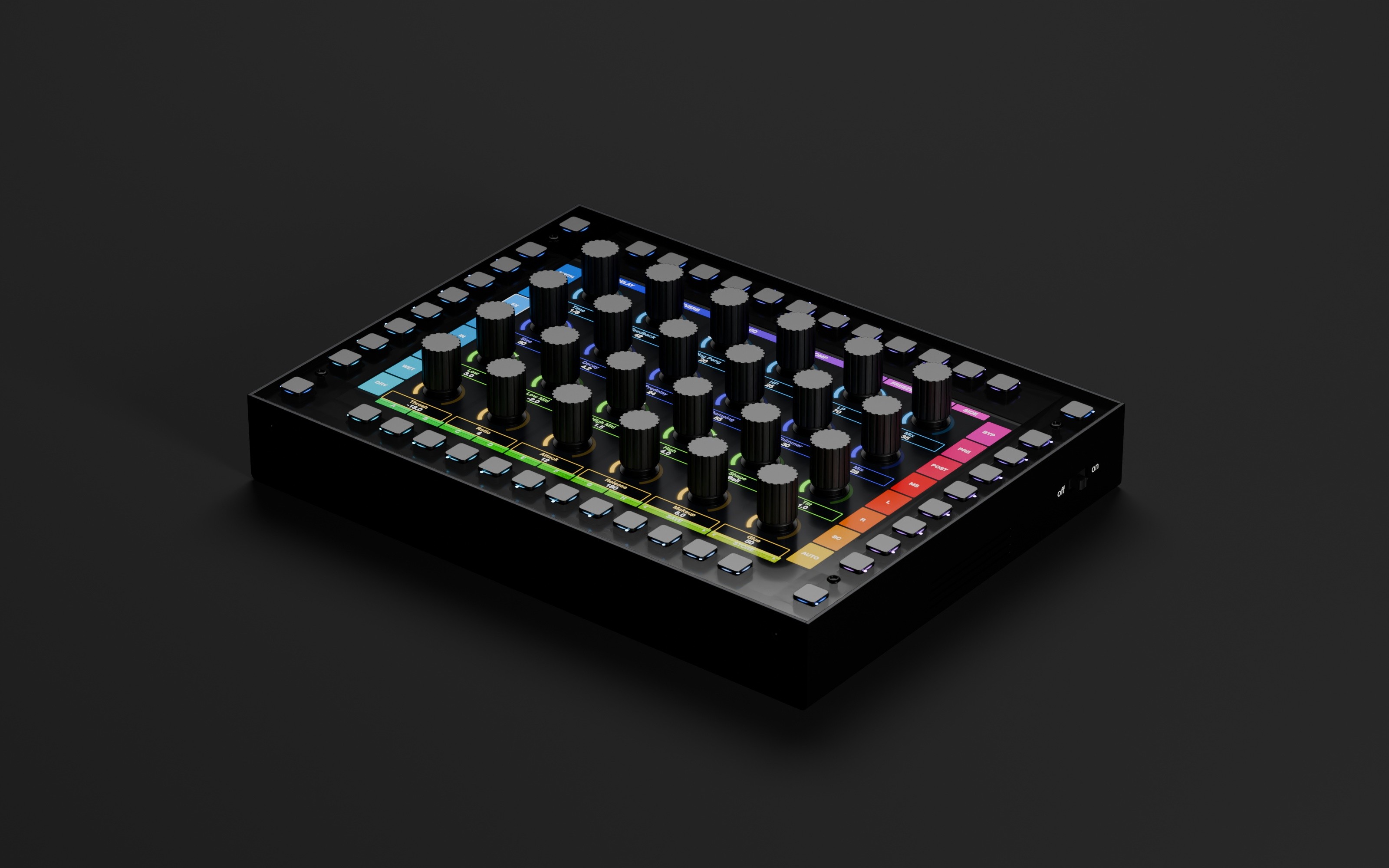
24 knobs, 44 lit keys, one screen
- Controls
- 24 endless knobs and 44 lit keys on a screen
- Connections
- USB C to your computer, as a MIDI device. Two MIDI outputs and one input on 3.5 mm TRS jacks
- Size
- 266 × 200 × 55.2 mm, 1.3 kg
- Case
- Aluminium, matte black, under an anti-glare acrylic top. Built in France
Works with
Ableton Live 12 and 13
Tracks, devices, clips and the browser, with the KARL Configurator running.
Any app that learns MIDI
Over USB, KARL is a MIDI device with two ports each way.
Hardware synths
On the 3.5 mm MIDI jacks, no computer needed.
OSC and DMX
Through the configurator on your computer.
In the box
- KARL
- 12 V power supply
- USB C cable
Order
Order KARL
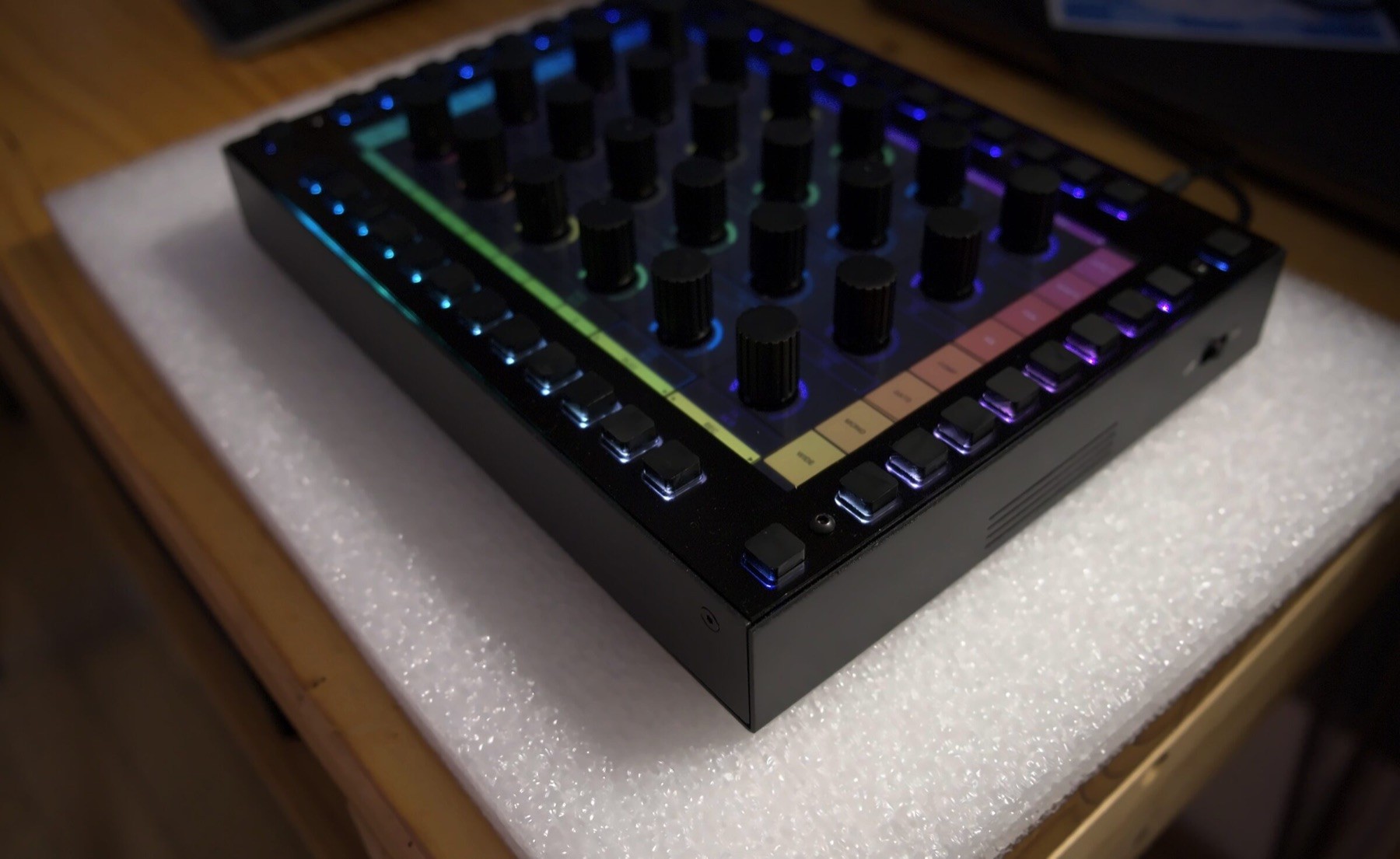
KARL
24 knobs, 44 lit keys, one screen
€990excl. VAT
Ships in January 2027
In the EU, VAT is added at checkout at your country's rate. A business in another EU country can enter its VAT number there and is invoiced without VAT, under the reverse charge. Outside the EU, import duties and taxes may be due on delivery. Payment through Stripe, by card, Apple Pay and other methods shown at checkout. By ordering you accept our terms of sale.
In the box
KARL, 12 V power supply, USB C cable.
Delivery
Ships in January 2027, tracked, worldwide. Shipping is included in the EU, €50 elsewhere.
14 days to change your mind
Send it back within 14 days of delivery for a full refund. How returns work
Two year guarantee
If it develops a fault within two years of delivery, we repair or replace it. Details
Do I need a computer?
For Ableton Live, OSC, DMX and to edit your pages, yes: the KARL Configurator runs on the computer next to it. Once your pages are on KARL, it can drive hardware synths over its MIDI jacks with only its power supply.
Which computers does it work with?
The configurator runs on Mac, Windows and Linux. Over USB, KARL is a MIDI device, so any computer can also use its knobs and keys as MIDI without the configurator.
Which version of Live?
Live 12 and Live 13. The KARL Remote Script does not load in older versions. KarlMapper needs Max 9.1 or later.
Does it work with other DAWs?
Yes, as a MIDI controller. Make a page in the configurator with the CCs or notes you want, and map them in your DAW like any other controller. The deep integration with tracks, devices and clips is for Live today. If you need it for another DAW, tell us: it should be doable.
How do updates arrive?
The configurator checks for new versions and installs them on KARL over USB. Your pages are kept. If an update fails, KARL keeps running the version it had.
Can I make my own pages?
Yes. In the configurator you place knobs, keys and lists on a grid, set what each one sends, and send the page to KARL. The configurator guide walks through it.
Custom builds
We build these for other people too
Broadcast desks, studio panels, machines for factories and labs. If your product needs knobs that can change what they mean, we make the whole box. The patent is ours and you can license it.
Tell us about it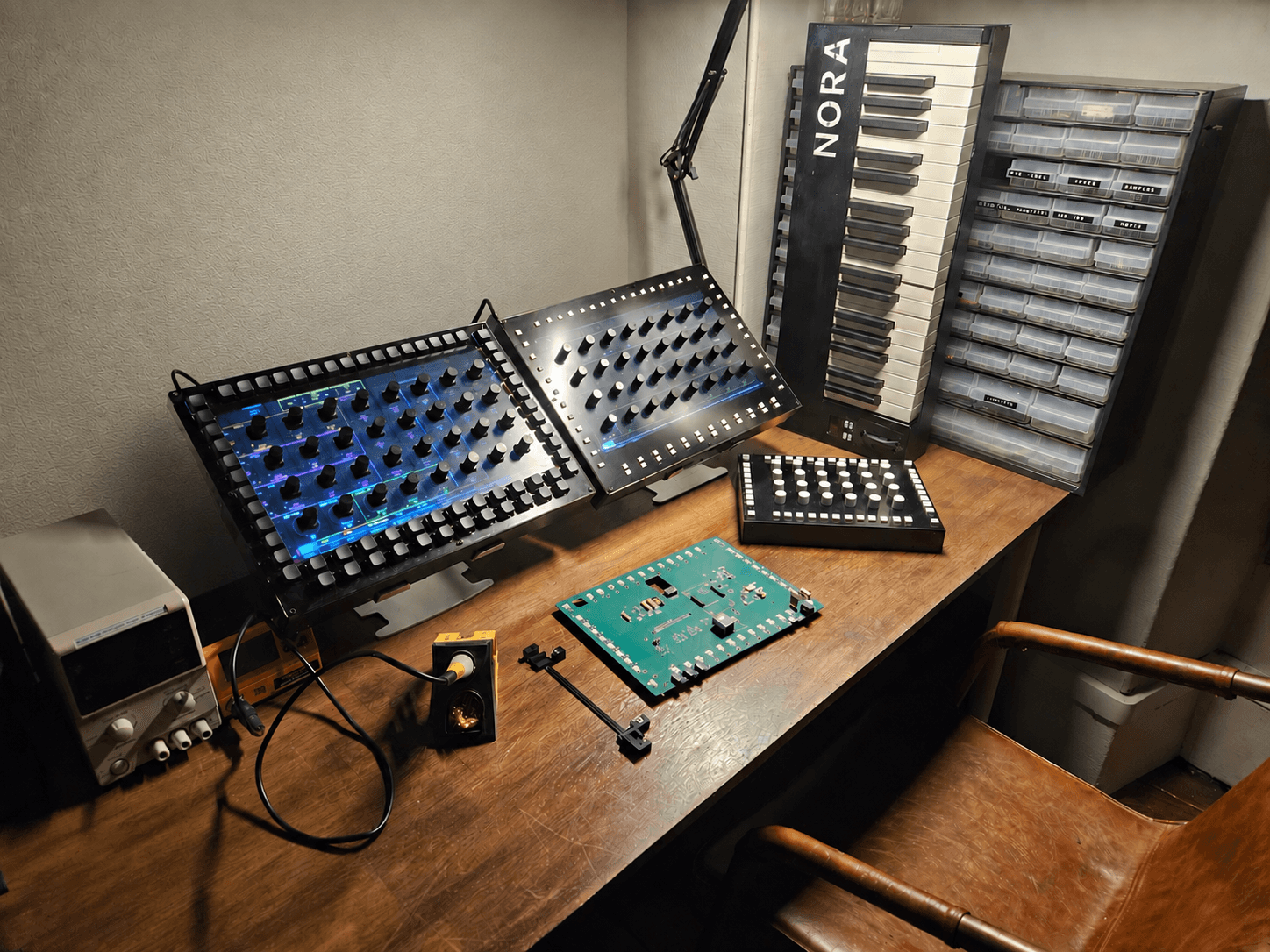
Contact
Talk to us
A question about KARL, an order, or a custom build.
Or just emailcontact@veloursdevices.comVelours Devices · Paris, France